Technobezz is supported by its audience. We may get a commission from retail offers.
Follow us on Google Search and News to get the best deals first.

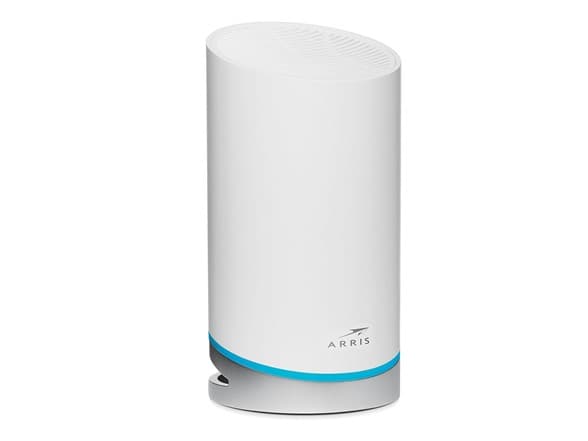
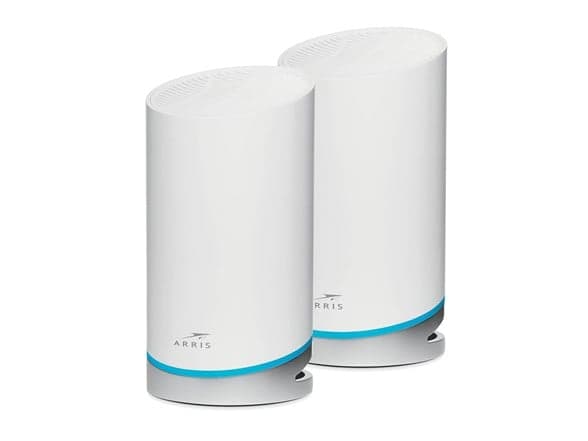
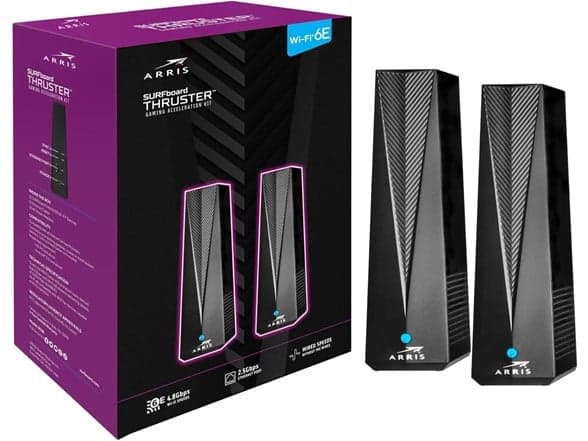
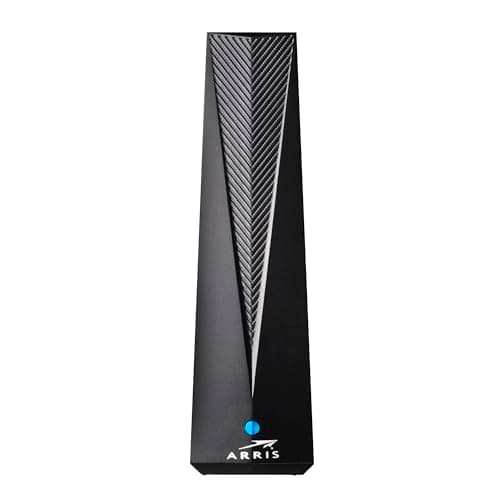
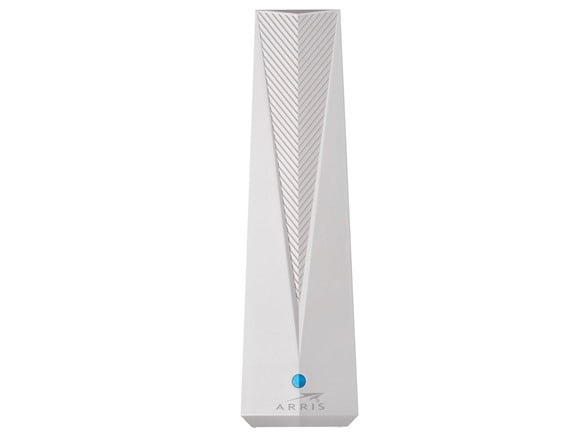
This Arris W6U access point is 65% off. It adds a dedicated 6 GHz Wi-Fi 6E band to your existing network for compatible devices. It's a good pick if you have new phones or laptops that support 6E but your current router doesn't.
Tip: Check if your phone, laptop, or game console supports Wi-Fi 6E (6 GHz) before buying.
Best for: Someone with Wi-Fi 6E devices but an older router that lacks the 6 GHz band.
The Arris Surfboard W6U is a specific tool for a specific job. It's not a full router replacement. Instead, it plugs into your existing network to add a dedicated 6 GHz Wi-Fi band. This is the band used by the latest Wi-Fi 6E standard, which is less crowded and can be faster for devices that support it. If your current router is a few years old and lacks 6E, this access point lets you upgrade just that part of your network without swapping out everything. What stands out is the simplicity. You connect it via Ethernet to your current router, and it broadcasts a new 6 GHz network alongside your existing ones. The 2.5 Gbps Ethernet port is a nice touch, ensuring a strong wired backhaul. The main limitation is obvious: it only benefits devices that can connect to the 6 GHz band, like newer high-end phones, laptops, or the PlayStation 5. For everything else, you'll still use your old Wi-Fi networks. At this sale price, it's a very cost-effective way to get into Wi-Fi 6E. Buying a whole new Wi-Fi 6E router would cost much more. If you have even one or two 6E devices, this access point makes them perform better without a full network overhaul.
At $44.99, this is a 65% drop from its listed original price of $129.99. While we don't have specific price history, a sub-$50 price for a Wi-Fi 6E access point with a 2.5 Gbps port is very competitive. It's likely near its all-time low, making this a good time to buy if you need the feature.
No, it does not. The Arris W6U is an access point. You must connect it via an Ethernet cable to your existing router to add a 6 GHz Wi-Fi network.
Only devices that explicitly support Wi-Fi 6E, like the iPhone 15 Pro, recent Samsung Galaxy phones, newer Windows laptops, and the PlayStation 5. Check your device's specifications.
Setup is straightforward. You plug it into power, connect an Ethernet cable from your main router to its 2.5 Gbps port, and use the Surfboard Central app to configure the new network name.
Price drops and top deals in your inbox.
Currently $44.99
30-Day Avg
--
90-Day Avg
--
180-Day Avg
--
All-Time Low
--
All-Time High
--